Nodo EQ
24-band parametric equaliser
Free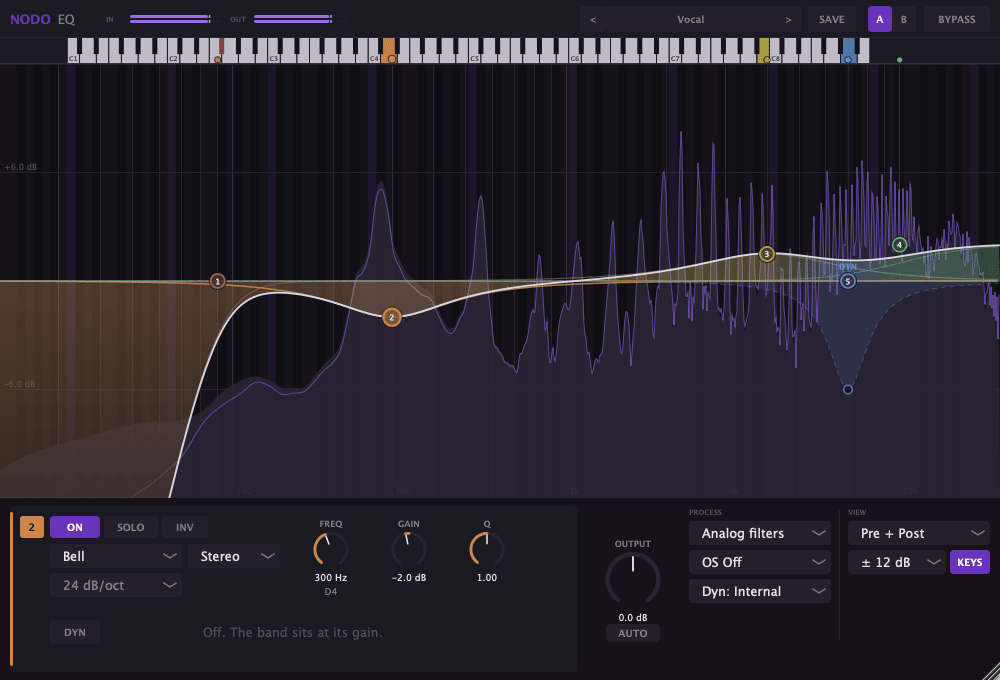
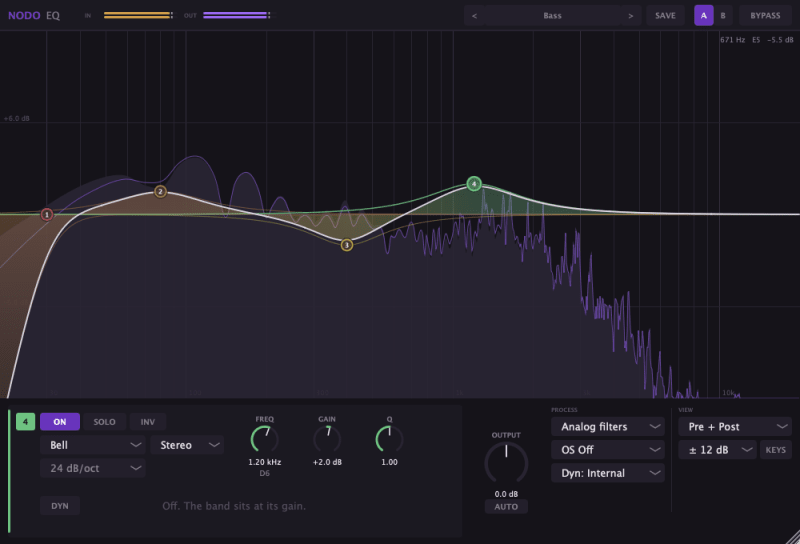
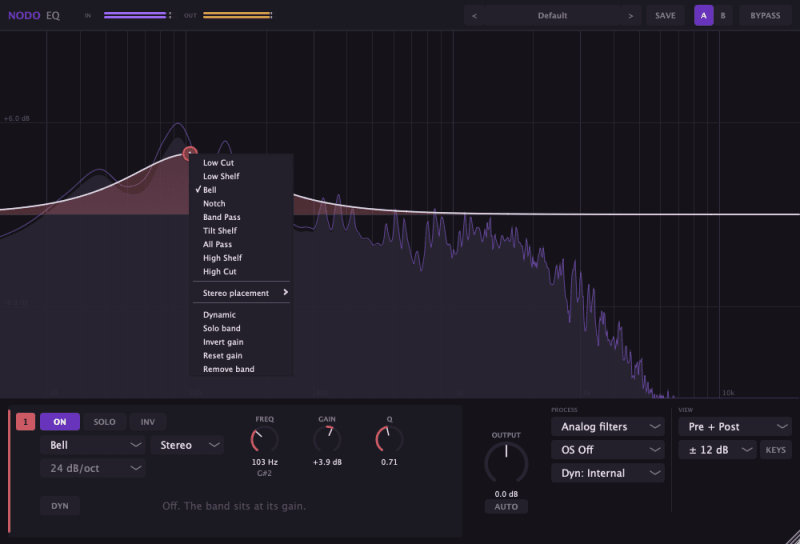
Nodo EQ is the equaliser in SonidoenRed's Nodo suite: 24 parametric bands, a real-time analyser, and mid/side and dynamic processing on every band.
It is built for working deliberately —seeing what each channel is doing, hearing what a cut takes away, moving a band only when the level asks for it— and for not lying: its filters are corrected so they do not drift away from the curve they draw, and the whole response is verified by measurement, not by ear alone.
Free, as VST3, AU or a standalone app, on macOS, Windows and Linux.
Decisions you won't find elsewhere
Solo sounds like what you remove
Solo a cut and you hear what the filter takes away, not what it keeps. That is the question you are actually asking: am I throwing something away?
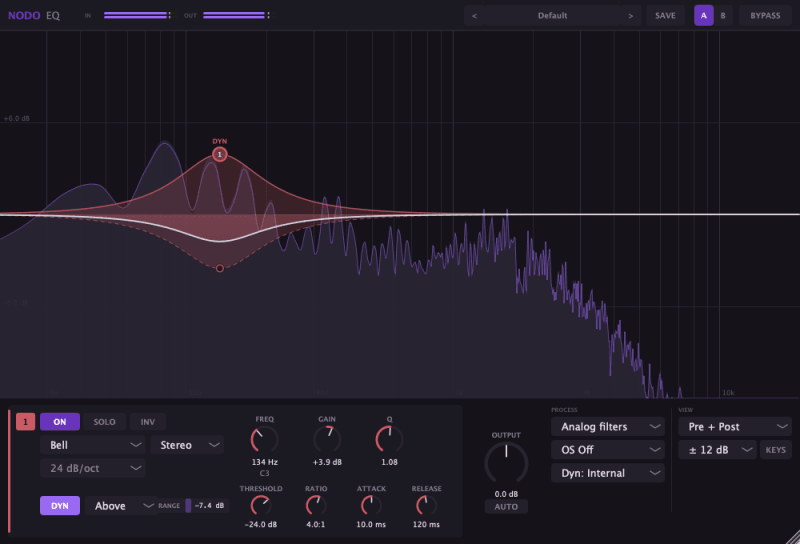
Every band can be dynamic
With DYN, gain says where the band lives, the Range knob says how far it can travel, and the level decides when. A made-to-measure de-esser in ten seconds; flip the direction and it is an exciter.
Mid/Side, drawn
When a band stops being stereo the curve splits in two: solid for the centre, dashed for the sides. You see at a glance what each channel is getting.
The filters do not lie near the ceiling
An ordinary digital filter drifts away from its analogue curve as it approaches Nyquist. Nodo EQ corrects every section against the prototype: the error of a 16 kHz high cut drops from 14.48 dB to 0.62 dB.
Verified by measuring, not by listening
135 automated checks compare the response the equaliser draws on screen against the one measured from a real signal put through the engine. And it passes pluginval at strictness 10, the maximum.
A keyboard, not a grid
Double-click a key and the band lands exactly on that note. The coloured dot stays at the band's real frequency, so you can see at a glance whether you are on the note or beside it.
Take a look inside
Everything, in detail
Wherever you need it
Download it free
Pick your platform and start mixing in a minute.